Current Status
Is the Kodaikanal E-Pass Mandatory Right Now?
As of 2026: Mandatory Year-Round
Multiple sources report enforcement has shifted from a peak-season-only rule to a year-round requirement for all non-TN-43 registered vehicles entering Kodaikanal. This has changed direction more than once since 2024, so treat this as a strong indication rather than a guarantee — confirm on epass.tnega.org directly before you travel. Last checked: 21 August 2026.
Current Conditions in Kodaikanal
- --°C
- --
- Humidity: --%
- Rain Next 3h: --%
- Sunrise: --:--
- Sunset: --:--
- Sunset Visibility: --
- Photography: --
- Trekking: --
- --
🕒 Updated -- minutes ago ()
Introduction
What the Kodaikanal E-Pass Is, and Why It May Apply to You
The Kodaikanal e-pass is a digital vehicle entry permit introduced by the Tamil Nadu government in May 2024, following a Madras High Court directive aimed at managing traffic volume and environmental impact on the ghat roads leading into the hill station. It applies to non-local vehicles entering the Dindigul district's Kodaikanal taluk, and is checked at a toll booth near Silver Cascade Falls.
It may be required depending on the current phase of enforcement, since the rule has been introduced, extended, and at points reportedly relaxed multiple times since its launch — largely tied to peak tourist season and ongoing court oversight.
This guide is for anyone planning to drive their own vehicle, a rental car, a two-wheeler, or a tourist bus into Kodaikanal, and wants to understand the process, documents, and common issues before arriving at the checkpoint.
Before You Rely on This Guide
Enforcement of the Kodaikanal e-pass has changed several times since 2024 — including periods where it was mandatory, extended, and at least one reported period where the requirement was lifted. Treat the process details below as a reliable guide to how the system generally works, but confirm the current requirement status directly on the official portal, epass.tnega.org, before you travel.
Quick Summary
Kodaikanal E-Pass at a Glance
| Topic | Information |
|---|---|
| E-Pass Required? | Enforcement has varied since 2024 — confirm current status on the official portal before travel |
| Who Needs It? | Non-local (non-TN-43) vehicles: private cars, rentals, two-wheelers, and tourist buses |
| Official Website | epass.tnega.org |
| Documents Required | Vehicle registration details, driving licence, mobile number, and travel dates |
| Processing Time | Typically instant to a few minutes after submission |
| Cost | Free (separate cash toll/green tax may apply at the checkpost) |
Background
What Is the Kodaikanal E-Pass?
The e-pass is a digital travel permit tied to a specific vehicle, generated online and checked via a QR code at the entry checkpoint near Silver Cascade Falls. It was introduced after the Madras High Court directed the Nilgiris and Dindigul district administrations to track vehicle numbers entering Ooty and Kodaikanal, following reports of severe congestion on the ghat roads during peak season.
Its stated purpose is data collection and traffic management rather than restricting entry outright — authorities have said there's no cap tied to the pass itself, and it's used to study road carrying capacity in partnership with academic institutions. The pass is linked to the vehicle rather than the individuals travelling in it.
Eligibility
Who Needs an E-Pass?
Private cars and vans registered outside the local TN-43 series are generally required to obtain a pass during enforcement periods.
Rental cars need a pass tied to the assigned vehicle's registration number — apply once the vehicle has been allotted rather than in advance.
Two-wheelers are included under the same system; select the two-wheeler vehicle type during application.
Tourist buses and mini-buses are covered under the same requirement, generally applied for by the operator rather than individual passengers.
Exemptions (if any)
Vehicles registered under the local TN-43 series, along with goods vehicles, have generally been exempt from the requirement. Passengers travelling by government bus services (such as TNSTC) are typically not required to obtain an individual pass, since the operator handles entry registration.
Before You Apply
Documents Required
Application Process
How to Apply for a Kodaikanal E-Pass
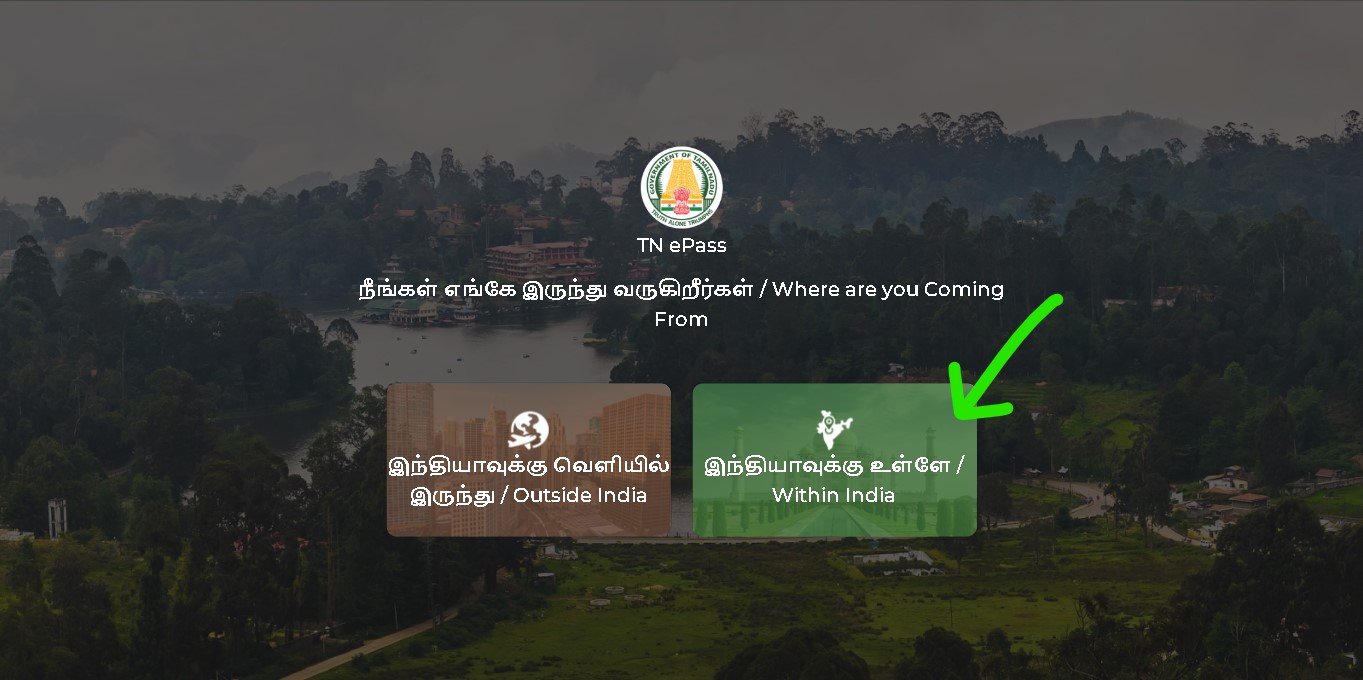
Step 1 – Visit the Official Portal - Official Website
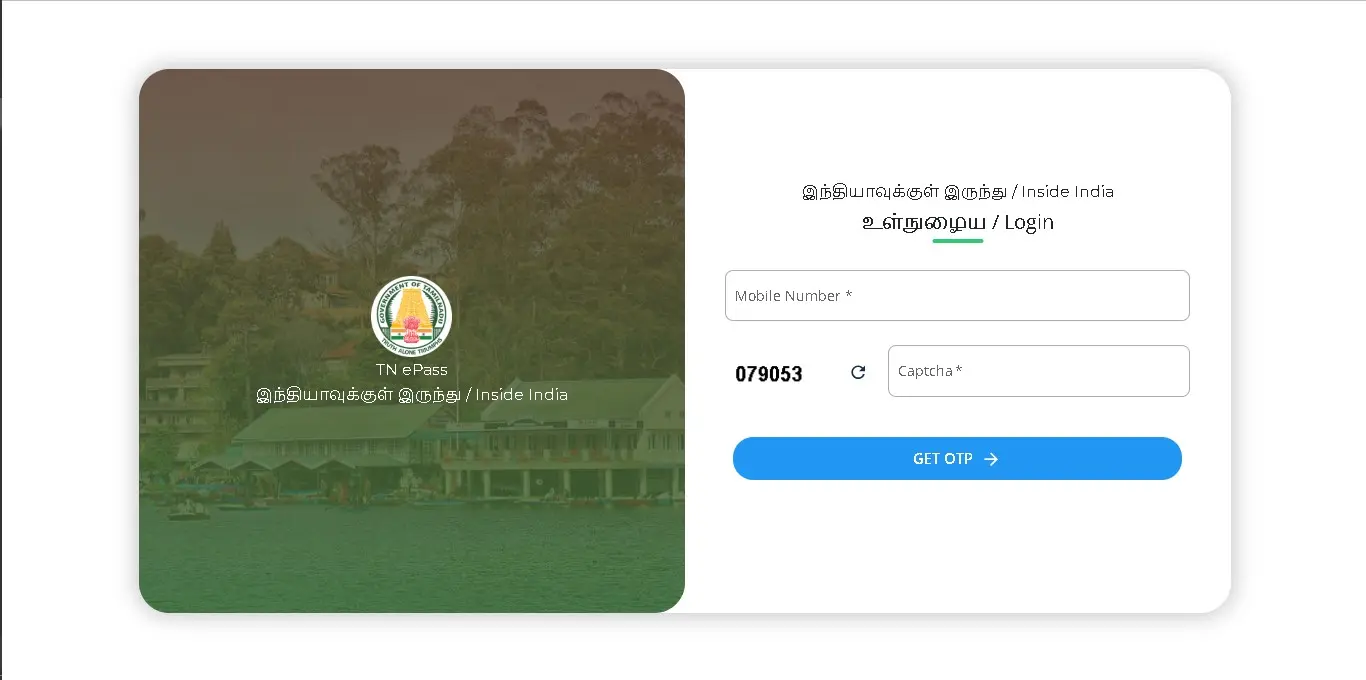
Step 2 – Enter Travel Details
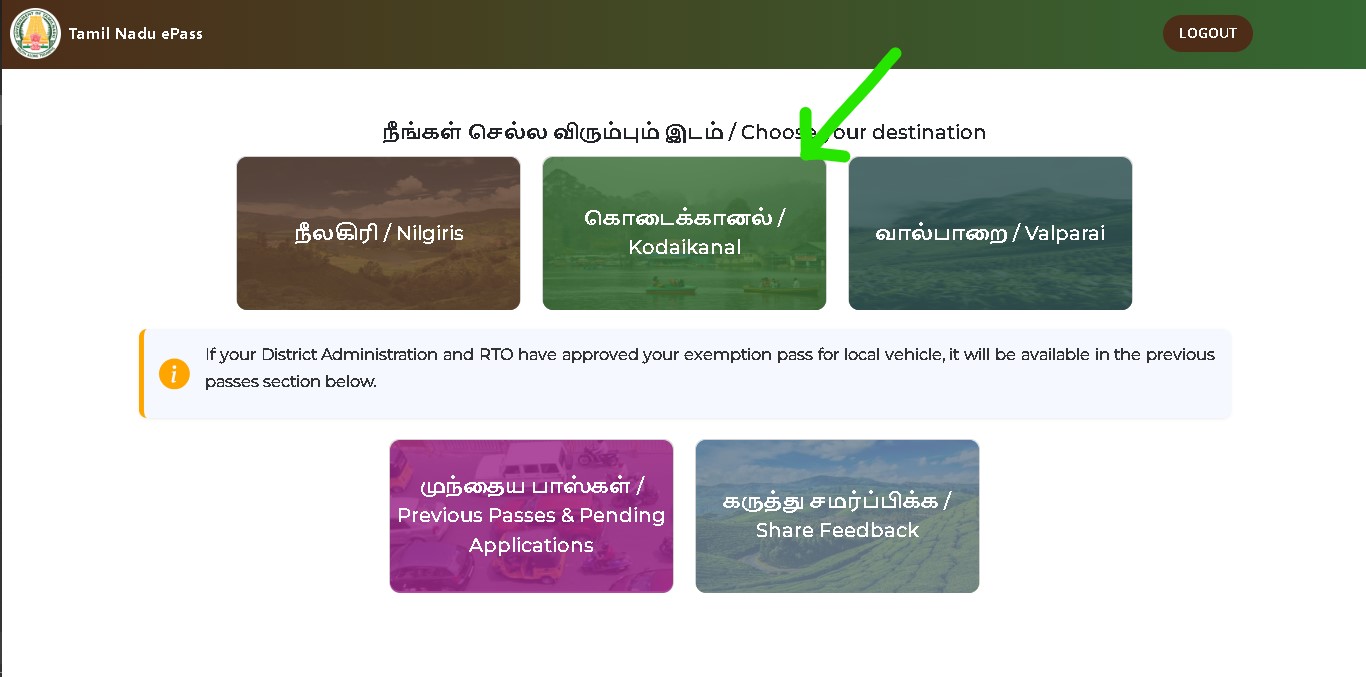
Step 3 – Enter Vehicle Information
Step 4 – Submit the Application
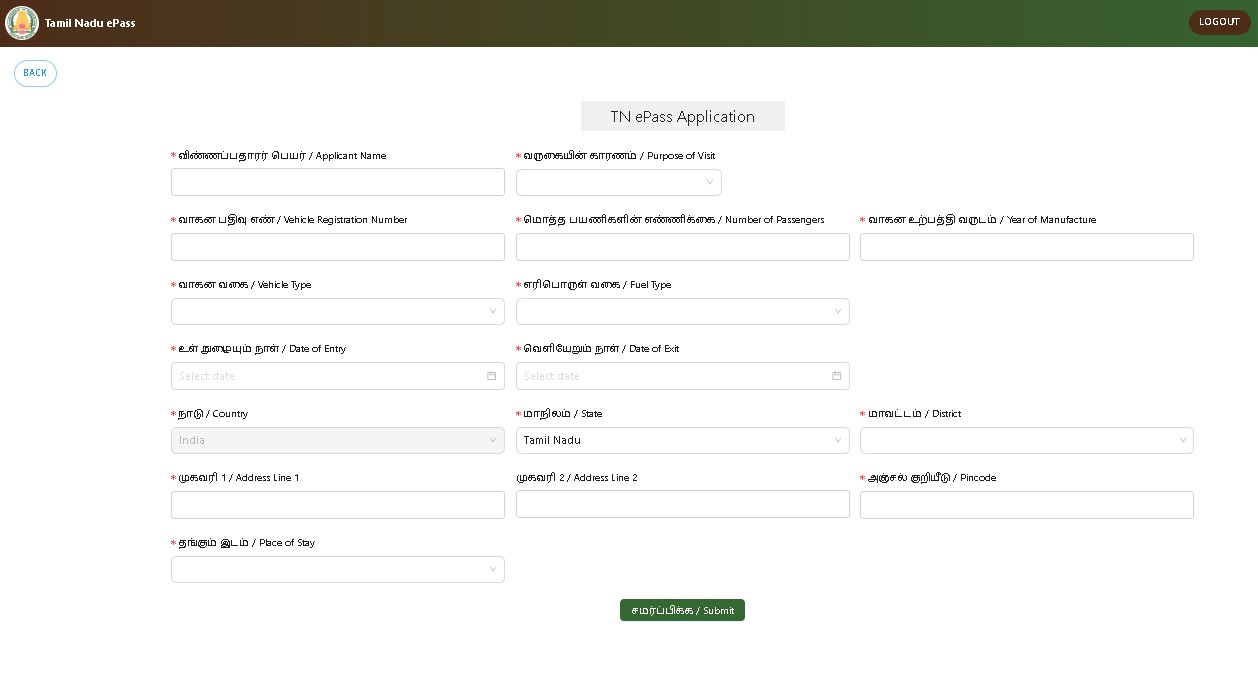
Step 5 – Download the E-Pass
After You Apply
How to Check Your E-Pass Status
Log back into epass.tnega.org using the same mobile number you applied with, and look for a status or "Previous Pass" section. This should show whether your application was approved and let you re-download the pass and QR code if you've misplaced it. If you don't see your application, double-check that you're logging in with the exact mobile number used at submission.
Troubleshooting
Common Problems and Solutions
Try a different browser or network connection, and attempt again outside peak application hours (early morning and late evening tend to be less congested).
Passes generally can't be edited once issued. Submit a fresh application with the correct details — since there's no fee, this doesn't cost anything extra.
Apply for a new pass with the correct dates and show the updated one at the checkpoint; the earlier pass with incorrect dates won't be valid.
Check your mobile number was entered correctly, and look for the pass under a status or "Previous Pass" section after logging back in, rather than waiting on an SMS alone.
Final Checklist
Tips Before You Travel
Common Questions